

Stop Summer Pool Frustrations Before They Start
Smart pool controls are great until they glitch right when everyone is coming over to swim. In late July, when the heat hits and the backyard is full of guests, no one wants an app that freezes, lights that will not turn on, or a spa that never heats to the right temperature. That frustration is even worse when you know you paid for a pool automation system in Los Angeles so everything would be easy.
Modern pool automation can control almost everything in your backyard, including:
Pumps and filtration
Heaters and spa modes
Lights and color scenes
Water features like bubblers and sheer descents
• Basic chemistry control on some systems
The challenge is that Los Angeles yards are not simple rectangles. Thick stucco, ADUs, hillside drops, and different microclimates can create Wi-Fi dead zones, app timeouts, and confusing sensor readings. We will walk through homeowner-friendly troubleshooting tips, plus where it makes sense to bring in a design-build team to set your backyard up the right way from the start.
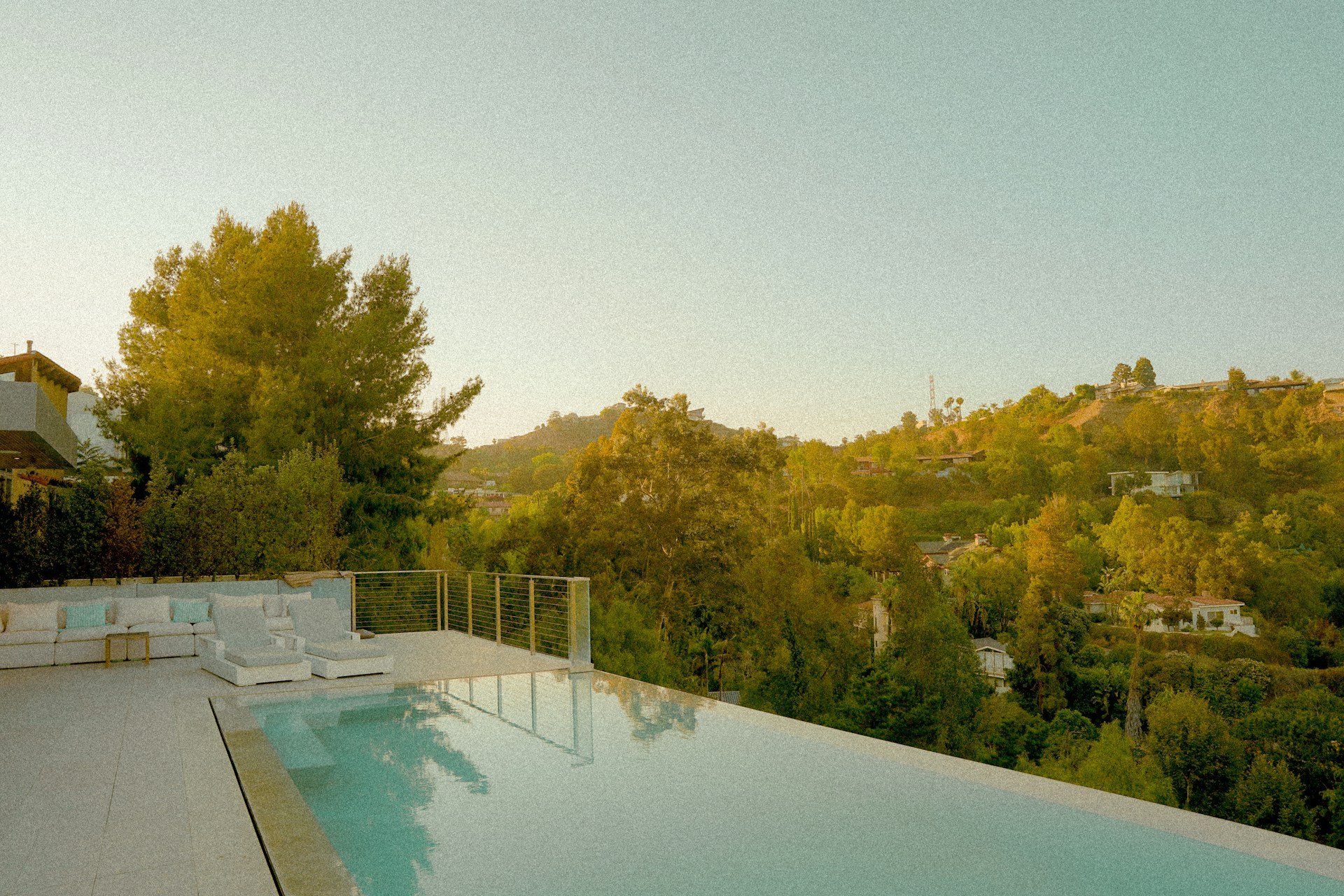
Why Your Pool Automation System Drops Wi-Fi
Many people blame the pool equipment when the real issue sits inside the house: the Wi-Fi signal. In a typical Los Angeles yard, the router is tucked in a front office or upstairs bedroom, while the pool equipment pad is way out back near a fence or down a slope. Every wall, tree, and turn in the layout weakens that signal.
Backyard layouts that commonly block Wi-Fi include:
Two-story homes with the router upstairs and equipment on the far side of the yard
ADUs or garages between the house and equipment pad
Mature trees and dense landscaping around the yard edges
Hillside lots where the equipment sits lower or higher than the house
You might have a Wi-Fi problem if you see:
An app that keeps spinning or timing out
Long delays after you tap to turn on lights or the heater
Devices in the app that flicker between online and offline
Some simple steps many homeowners try are moving the router to a more central spot, switching to a 2.4 GHz network if the system needs it, or adding a mesh Wi-Fi node closer to the backyard. In some yards, a hardwired access point near the equipment makes things much more stable.
But once you start talking about pulling new cable, sharing conduit with existing lines, or moving panels, it can get tricky and risky. On a new build or a big remodel, a design-build team can plan Wi-Fi coverage, conduit runs, and equipment placement at the same time as the pool, so your automation system is not fighting the layout from day one.
Fixing App Connectivity Before the Next Heat Wave
Sometimes the Wi-Fi bars look fine, but the app still will not talk to the pool. That is when it helps to think about the app-side of the system. Phones, tablets, and automation hubs all run software that needs updates. When any piece gets out of sync, the app can show your pool as offline, even when the water is circulating.
Common app-side problems include:
Outdated app version on your phone
Old firmware on the automation hub
Wrong Wi-Fi password saved after you changed networks
Temporary cloud server issues that make equipment appear offline
A quick checklist many owners go through is:
Confirm the home internet is actually working on another device
Test the pool app on cellular data, then on Wi-Fi, to see if there is a difference
Power cycle the automation hub or panel with a clean restart
Check for both app updates and firmware updates
Make sure you are logged into the correct account
In Los Angeles, utility interruptions and brownouts can also cause odd behavior. When power flickers, smart hardware can lose its sense of time, which can scramble schedules and timers. If your system keeps losing connection, forgets schedules, or goes offline right before a planned party, it is usually better to involve the manufacturer or a local professional than to keep guessing and tapping.
Calibrating Sensors for Los Angeles Microclimates
Los Angeles backyards can have completely different temperatures only a few steps apart. Coastal areas may get a cool morning marine layer, while the Valley can sit in full sun all day. Shaded canyons, windy hillsides, and tight courtyards all create their own little microclimates. Your sensors feel all of that.
When sensors are not reading well, you may notice:
The heater overshoots or never reaches the set temperature
The spa feels much hotter or cooler than the number you set
Lights or features trigger at odd times if you use light- or temperature-based controls
A few basic checks many homeowners try:
Look at where the air sensor is mounted; it should not sit in direct sun or right next to the heater exhaust
Make sure the water temperature sensor is fully in the pipe or fitting, not hanging loose
Gently clear scale, leaves, or debris around sensor areas
Compare the reading on the automation system with a simple handheld thermometer in the pool or spa
On a well-planned pool automation system in Los Angeles, sensor placement is part of the design. The team thinks about wind paths, shade from walls and trees, and how much direct sun the equipment area will get. When sensors are set in the right locations from the start, the system can hold comfortable temperatures much more consistently.
Protecting Automation Hardware in Los Angeles Conditions
Los Angeles weather may seem calm, but it is tough on equipment over time. Strong sun can fade and weaken plastic housings. Heat waves can push panels and antennas to their limits. Santa Ana winds move dust into every crack, and coastal moisture can sneak into boxes and conduits.
It helps to give your equipment pad a regular visual check:
Look for brittle or yellowed plastic on panels and antenna mounts
Check cables for sun-cracked jackets or exposed copper
Watch for rusted screws, hinges, or latches
• Look for water stains, mineral trails, or damp spots around boxes
Practical protections many yards use are simple shade structures that still allow airflow, vented equipment enclosures, surge protection at the panel, and careful irrigation design that keeps spray away from electronics. When hardware placement, drainage, and shade are part of a full backyard plan, the automation gear tends to stay stable and connected for much longer.
When to Bring in a Design-Build Expert
There is a point where more app resets and router moves stop helping. If you have tried the basic steps, checked your sensors, improved Wi-Fi coverage, and still cannot rely on your system, that is a sign the layout and hardware choices might be working against you.
As a design-build firm based in Los Angeles, we look at the pool, spa, hardscape, landscaping, outdoor kitchen, Wi-Fi coverage, control panels, and sensor placement as one connected outdoor environment. When everything is planned together, you get a backyard that not only looks cohesive but also runs smoothly in the background, so you can tap a button and trust that the lights, water, and spa will be ready when your guests arrive.
Get Started With Your Project Today
If you are ready to simplify pool care and enjoy more time in the water, we can design and install a customized pool automation system in Los Angeles that fits your home and lifestyle. At Smart Swim, we walk you through every step, from planning and equipment selection to professional setup and fine-tuning. Tell us about your pool goals and we will recommend the best options for control, efficiency, and convenience. Have questions or want to schedule a consultation now? Just contact us.